What it is
Cricket Score Board Pro is a free scoring app for community cricket: tape ball, tennis ball and hard ball. One person scores the match on a phone, everyone else watches it live from a link, and when the game ends the app makes the scorecard, the summary and a Man of the Match poster for you.
It also keeps the long-term records: every player gets a free Player ID with lifetime statistics, every team gets a page, and every tournament gets a points table.
Who it is for
- Friday-morning leagues, office tournaments and club cricket.
- Scorers who want one clean screen instead of a paper book.
- Captains and managers who want their team's record kept in one place.
- Players who want their own profile and career stats.
Install
- Open the app on Google Play (the green button at the top of this page) and tap Install.
- Or open cricket-score-board-pro.expo.app in any browser: it is the same app with the same data.
- Sign-in is optional. Scoring works without an account. Sign in with an e-mail code only when you want to register a team, claim a Player ID or follow a team for notifications.
Score a match
- Home → New match. Type the two team names, or pick a registered team and its squad comes in automatically.
- Set the overs, overs per bowler and the playing XI, or leave the defaults (no limits).
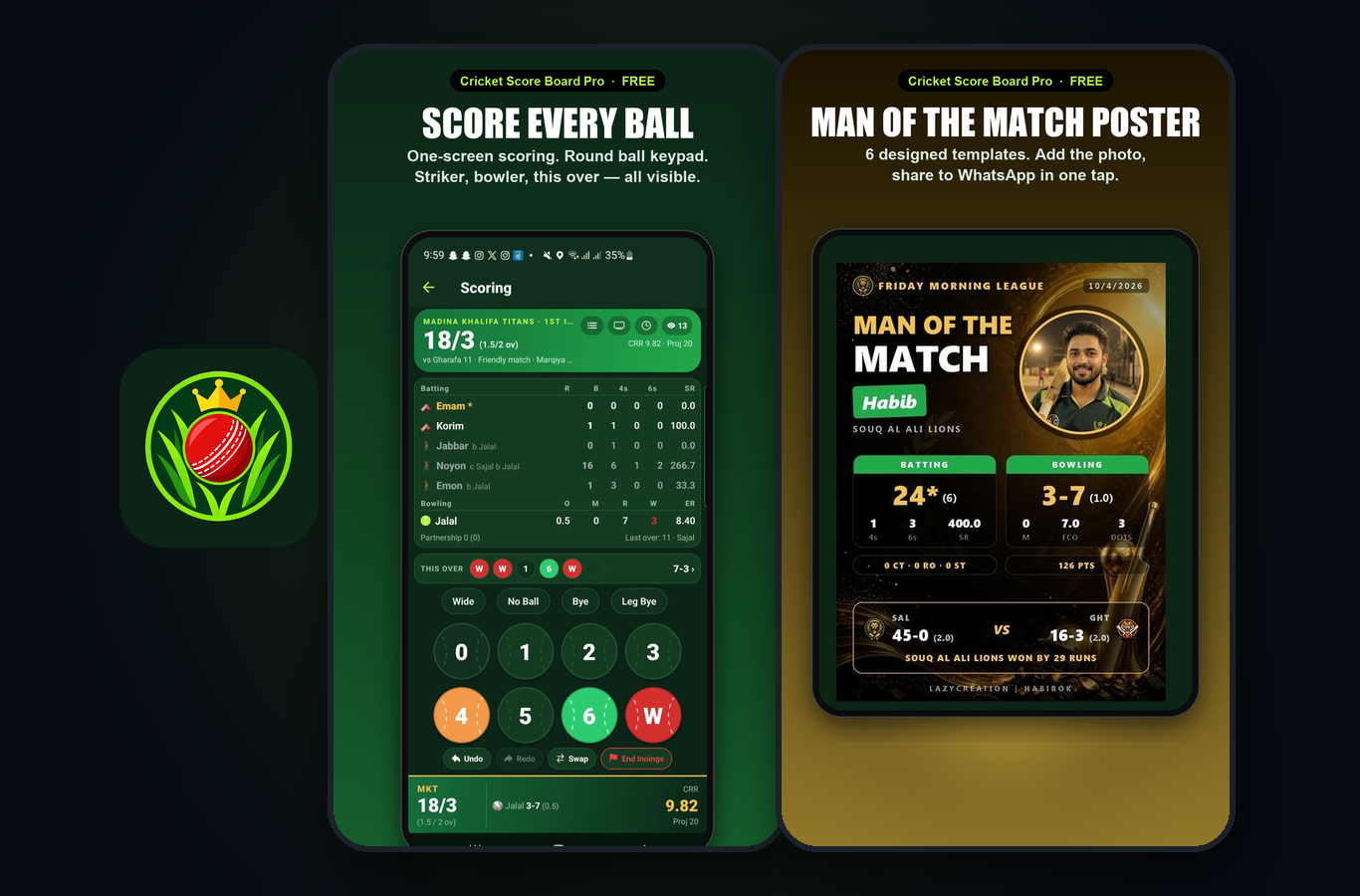
- Toss, openers and the first bowler, then score ball by ball on the round keypad: runs, wide, no-ball, bye, leg bye, W for a wicket.
- Made a mistake? Undo takes the last ball back, Redo puts it back. Tap a batter or bowler name for retired hurt, retired out, wrong bowler or an injured bowler.
- Players can be added while scoring; teams can be any size.
Share the match live
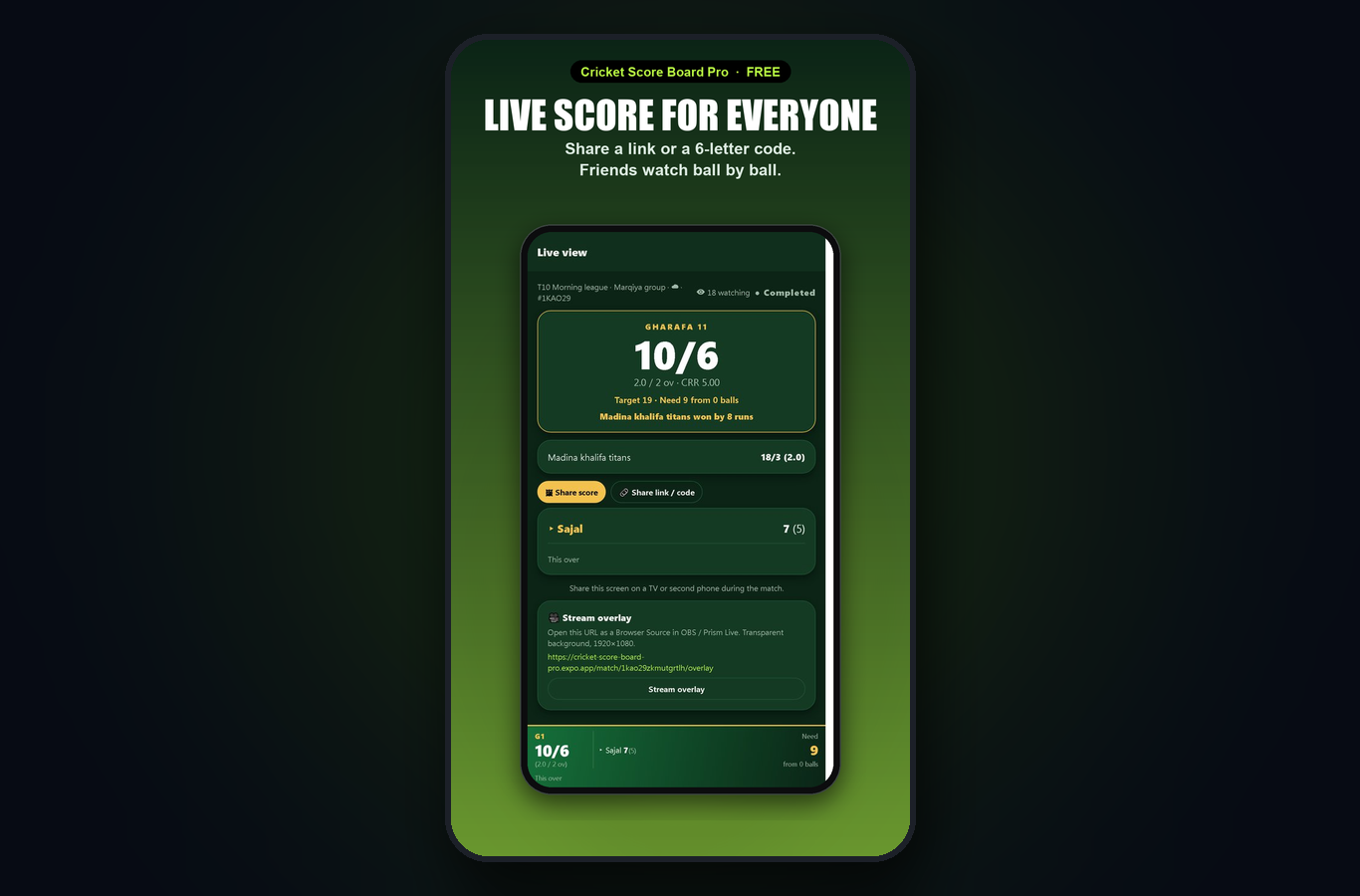
- On the scoring screen tap Share live. Friends get a link or a 6-letter match code and watch every ball as you enter it.
- You can see how many people are watching.
- Streaming on YouTube or Facebook? More → Live streaming explains the scoreboard overlay for OBS.
When the match ends
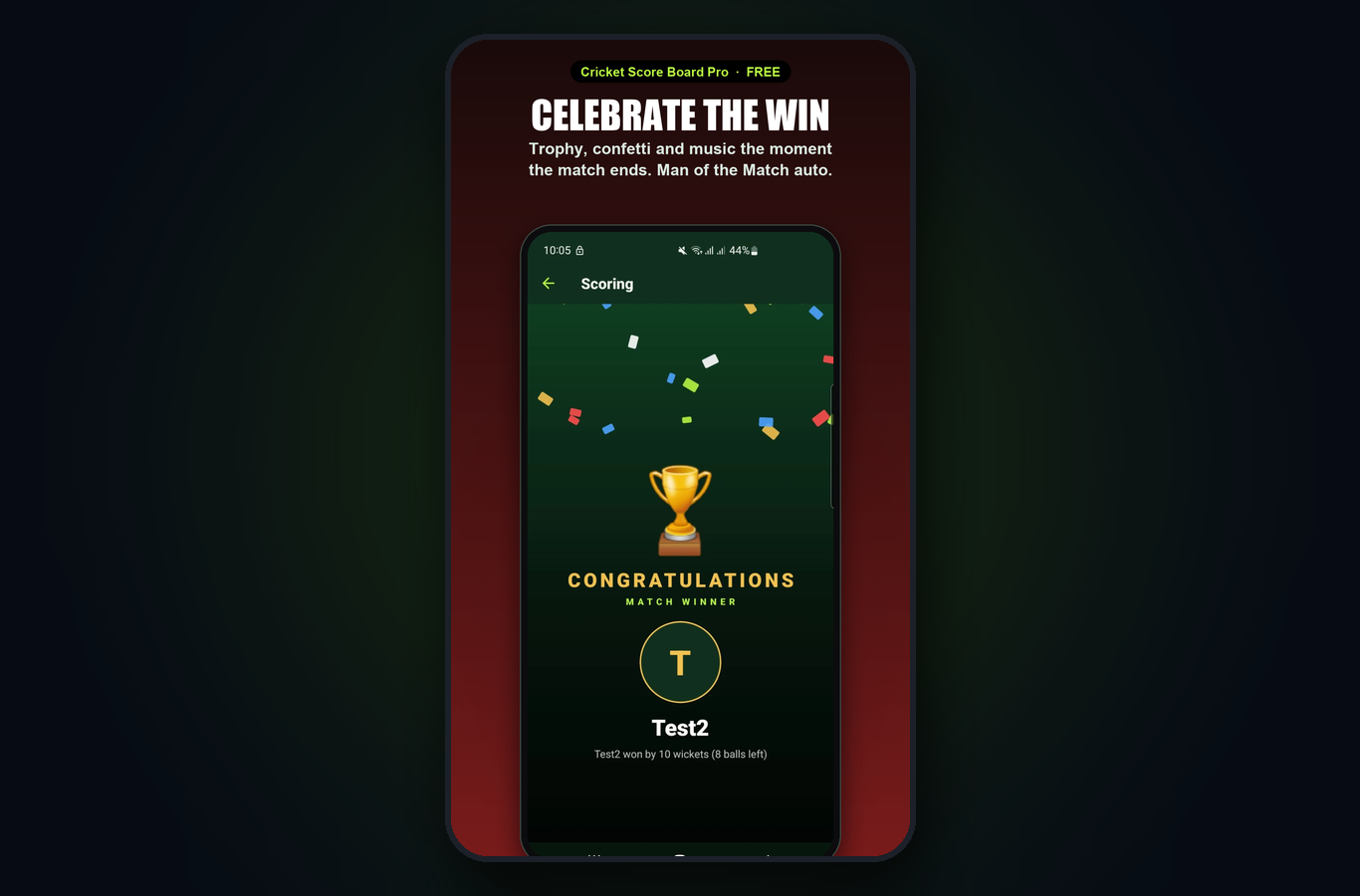
- The winner celebration plays and the Man of the Match, Best Batter and Best Bowler are picked automatically (the scorer or the team's manager can change the Man of the Match).
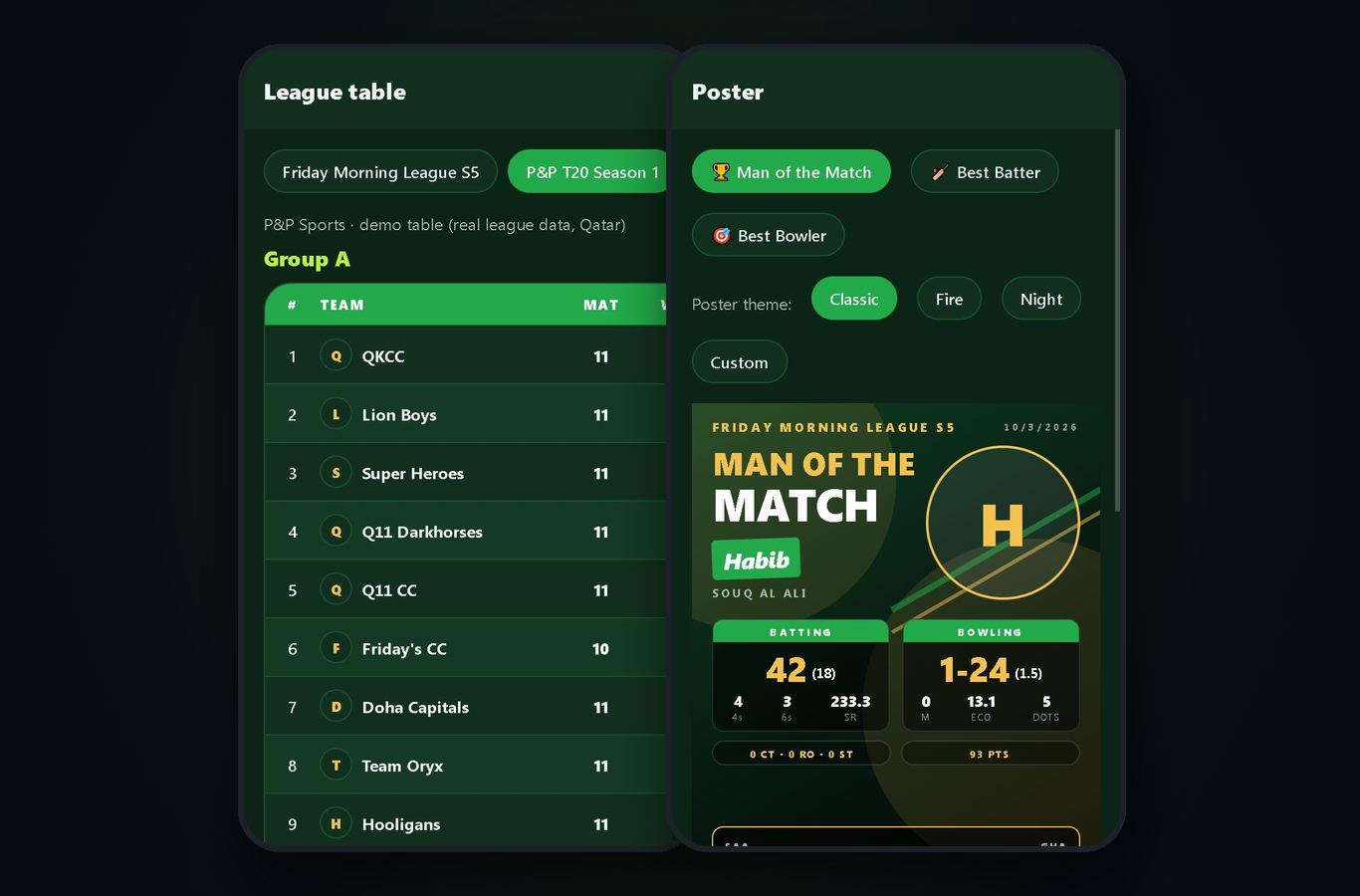
- Open Poster: choose a design, add the player's photo, save or share to WhatsApp, Facebook or Instagram.
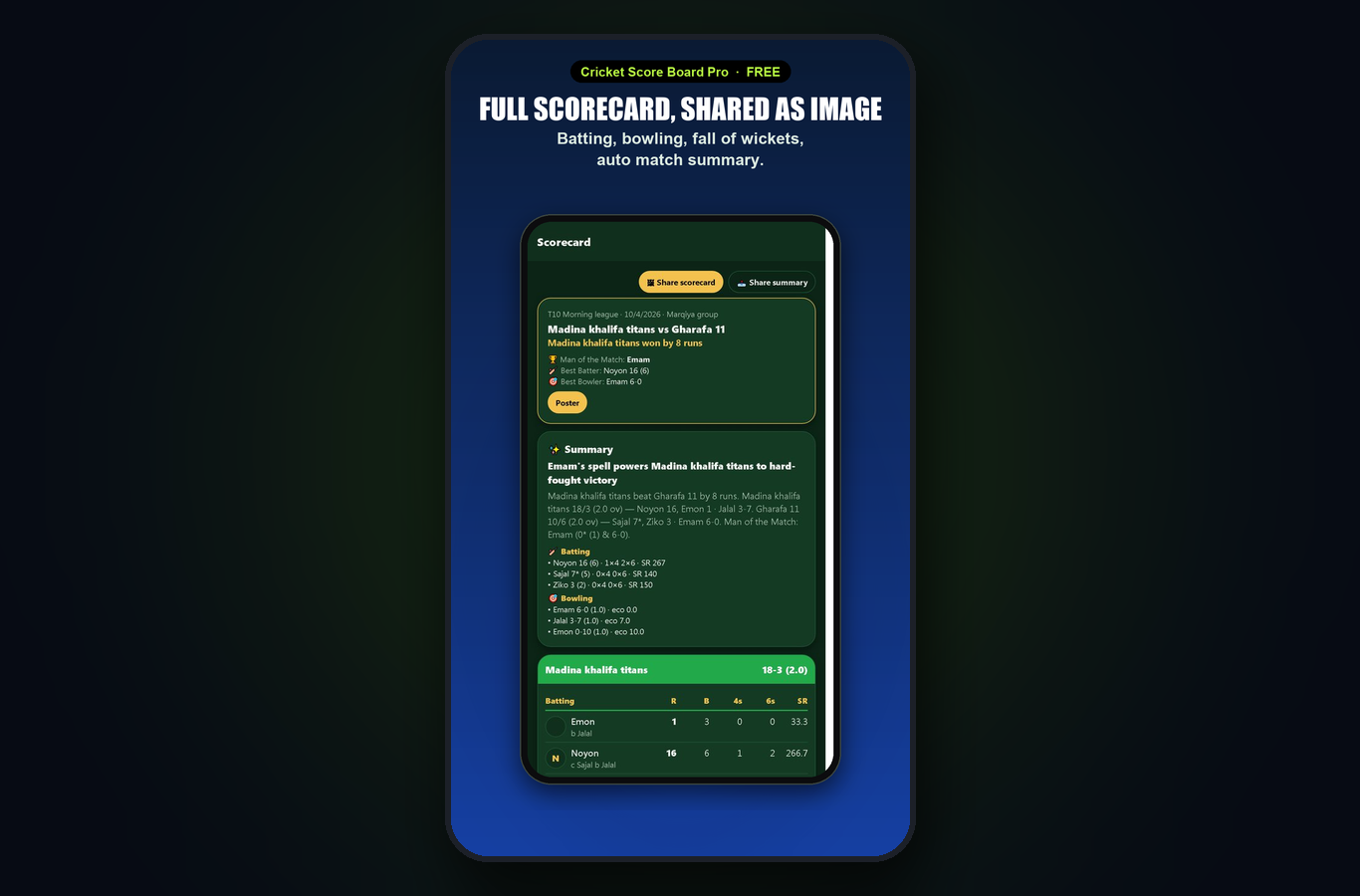
- Open Scorecard to share the full card, the summary or just the result as an image.
Player IDs and profiles
- Players → Create Player ID: a 7-digit ID with a public profile (photo, role, batting and bowling style).
- Link a typed squad player to a Player ID and the stats update by themselves when the match ends.
- Played in someone else's match? Open your profile and claim it; the team manager approves.
- Career stats are split by tournament and match type, with a runs-per-innings chart and recent matches.
Teams and leagues
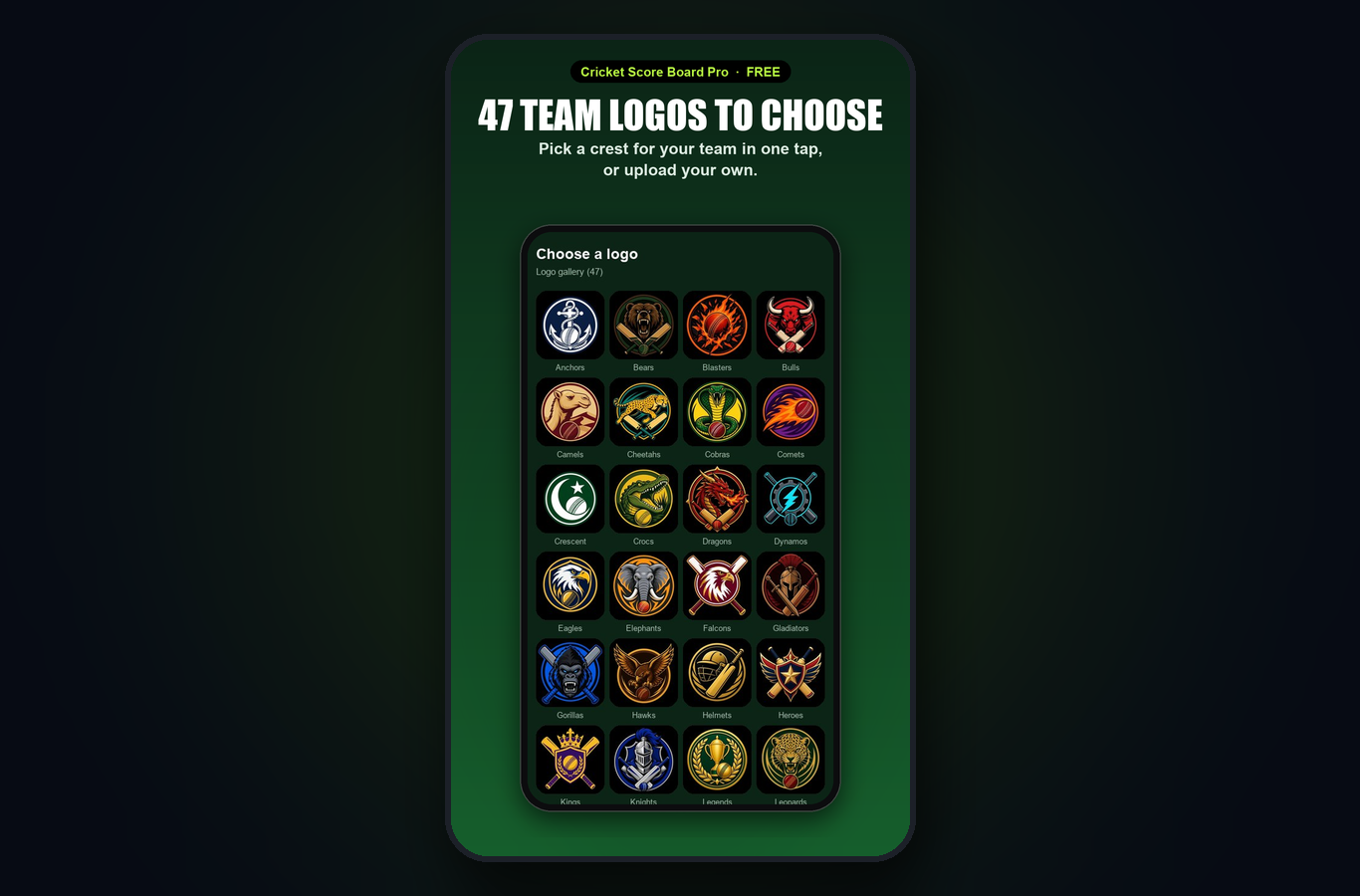
- Teams: register your team once (sign-in needed), add the squad, upload a logo or pick one of the 47 ready-made logos. The team comes back on a new phone.
- League: a points table with win % and net run rate, fixtures and the rules of the tournament.
- Following: follow a team and get a notification when its match starts or ends.
Notifications
More → Notifications: match starts, results and Player ID claims for the teams you follow or manage. Switch each kind on or off. Your own phone never gets a notification for the match it is scoring.
Languages and themes
More → Settings: English, বাংলা, हिन्दी, اردو; light, dark or system theme; the launch intro can be switched off.
Privacy
- Scoring works offline; nothing leaves the phone until you share or sign in.
- A Player ID and a registered team are public pages. Only the app owner sees e-mail addresses and phone numbers.
- Delete your account from More → Account; the privacy policy and the deletion page are linked in the app.
Frequently asked
Is it really free? Yes. The app shows a few small ads and has an optional cricket store; scoring, sharing, posters and Player IDs are free.
Do my friends need the app to watch? No. The live link opens in any browser.
Can two people score the same match? One phone scores; everyone else watches live from the link.
The match from last week is missing on my new phone. Sign in with the same e-mail: registered teams, Player IDs and the matches you uploaded come back.
Something is wrong in a scorecard. The scorer can edit the match; the app owner or an admin can fix any match. Email the match code and what should change.
Changelog
- 1.5.0 (26 Oct 2026) — first public release on Google Play: push notifications for match starts, results and Player ID claims; admin tools; the intro video.
- 1.4.0 — closed test on Google Play: Player IDs, team pages, live sharing, posters, league tables.